Visentry Home
Understand who is at your door
Recognize family and familiar visitors, then review unknown people with a photo, timestamp, and event video.
- Family and familiar-person matching
- Unknown visitor history
- Doorstep event photos and video
Connect Ring events to Visentry, distinguish people you know, review unknown visitors, and keep important moments in one searchable security history.
Choose your experience
A simple visitor experience at home; location, team, and event management for businesses.
Visentry Home
Recognize family and familiar visitors, then review unknown people with a photo, timestamp, and event video.
Visentry Enterprise
Bring employee, visitor, camera, and location context together, with entry/exit and alert history for authorized teams.
How it works
Account connection, device selection, and event review move through one secure flow.
Authorize the connection through Ring. Visentry never sees or stores your Ring password.
Only the Ring devices you permit are associated with your Visentry account.
Ring recordings become searchable events with person, camera, time, and location context.
Shared intelligence
Home and Enterprise use the same secure analysis foundation through experiences designed for their needs.
Compare faces in an event only with references authorized for your account.
Follow unmatched visitors through photos, first and last seen details, and event history.
Build security history that can be filtered by person, camera, location, and time.
Restrict device and media access through user, account, and workspace permissions.
For home
When Ring detects motion, Visentry helps you understand who the event relates to. Review family members, familiar visitors, and unknown people in one simple experience.
For business
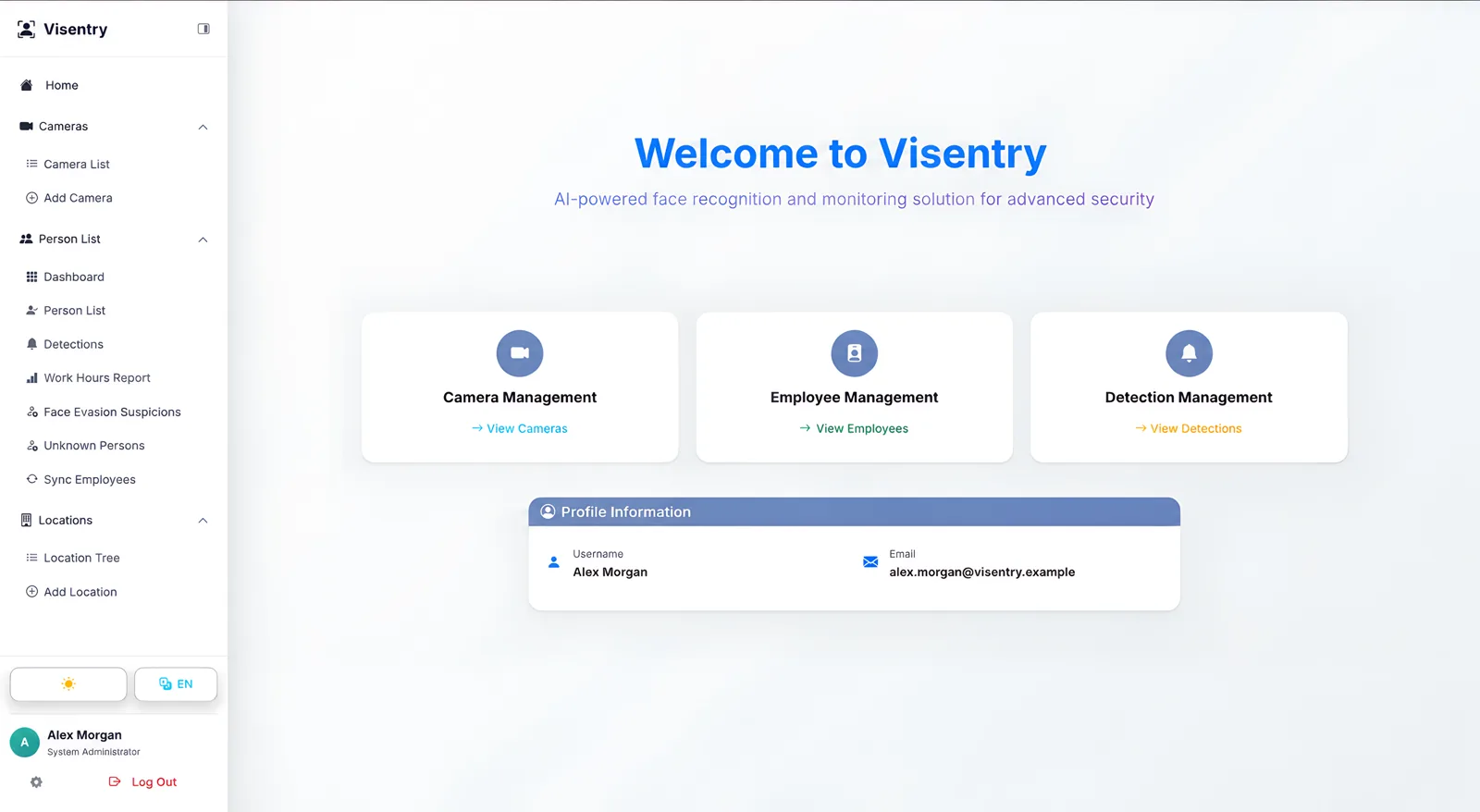
Bring Ring devices into Visentry's location and permission model. Review employee and visitor movement, entry and exit events, and security alerts in one operations workspace.
Reliable in the background
Visentry processes live Ring events and periodically checks Event History. Duplicate events are removed and media that becomes available later is retried in a controlled flow.
Webhooks and history records meet in the same deduplicated event flow.
Access and refresh tokens are stored with application-level encryption.
The Ring stream is not kept open; relevant media is processed when it is ready.
Privacy and security
Authorization happens on Ring; Visentry never receives or stores your Ring password.
Synchronization covers only devices you permit in your Ring account.
Devices and events from home users and business workspaces remain separated.
Incoming integration requests pass security verification before processing.
FAQ
Yes. Visentry Home is designed to review Ring events across family, familiar visitor, and unknown-person workflows.
Yes. Compatible devices can be associated with locations and managed by authorized users in the same Enterprise workspace.
Permitted devices listed by your Ring API account and offering the required media capabilities are synchronized. Compatibility is confirmed during connection.
No. Authorization happens on Ring; Visentry stores only encrypted, scope-limited tokens.
No. Ring devices are event-driven. Depending on the event, Visentry processes a short live stream or the recording when it becomes available.
Yes. Ring devices can use the same person, location, alert, and reporting structure as other Visentry cameras.
Ring + Visentry
Start quickly at home or plan the right device and location structure for your business with us.
Connect your Ring device to your personal security history.
Plan a demo around your camera, location, and team needs.